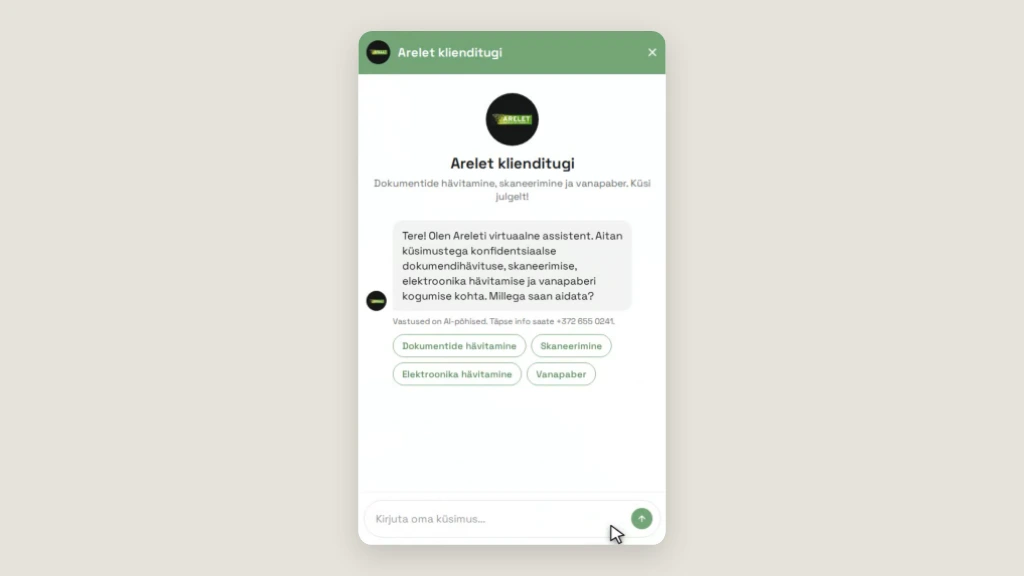
Arelet
AI customer supportA virtual assistant that answers customers' questions about document destruction, scanning and waste paper collection at any time of day.
Open arelet.ee ↗Ravn · web development in Tallinn
Ravn is a one-developer studio. This page is my desk: recent work, plus a few things you can try right away. The server, the assistant and the automation are all real and running.
 desk.webp
Getting around
A few projects I have worked on recently.
A virtual assistant that answers customers' questions about document destruction, scanning and waste paper collection at any time of day.
Open arelet.ee ↗Your project could be next.
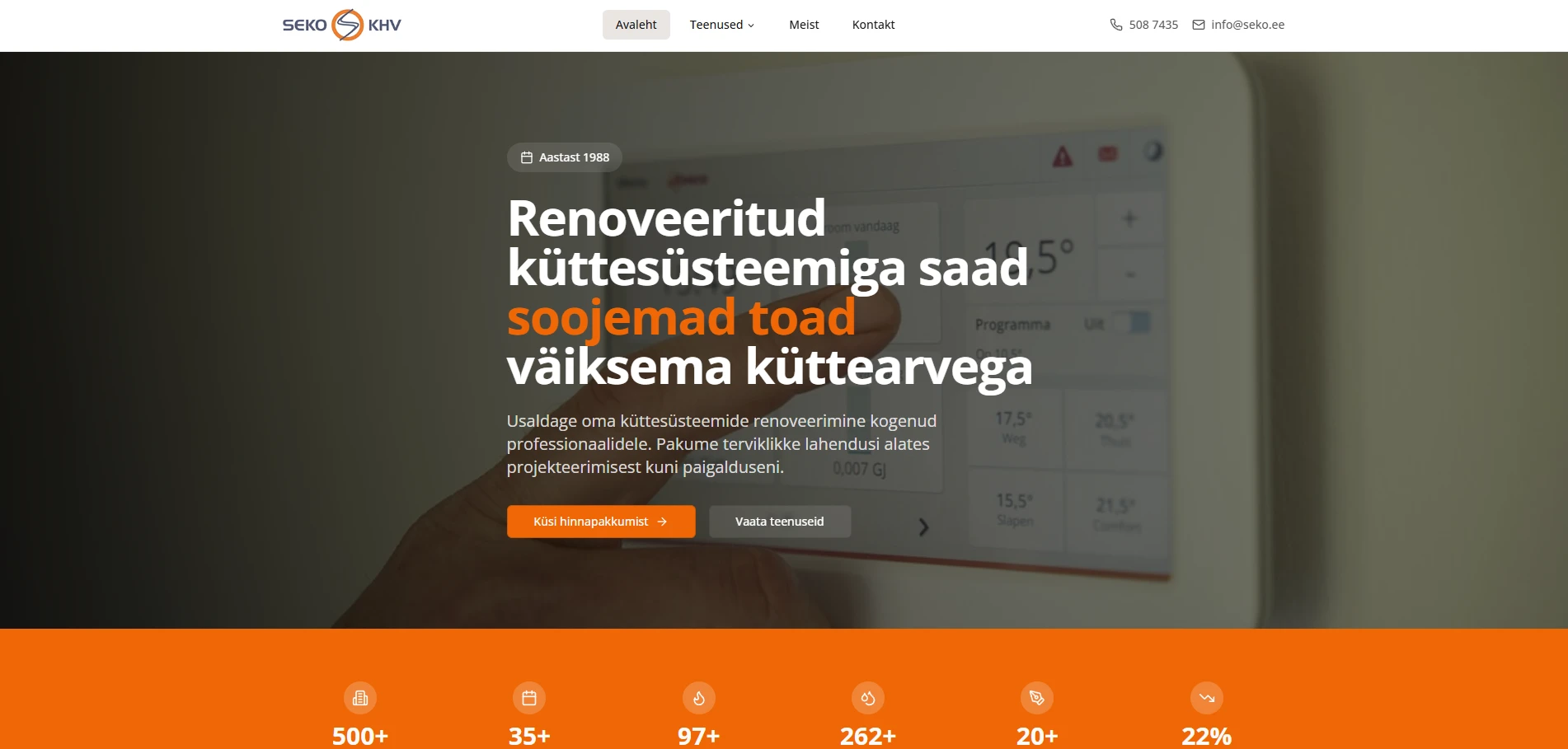
A website for a company that renovates heating systems. A clear overview of the services and a quote request right on the homepage.
Open seko.ee ↗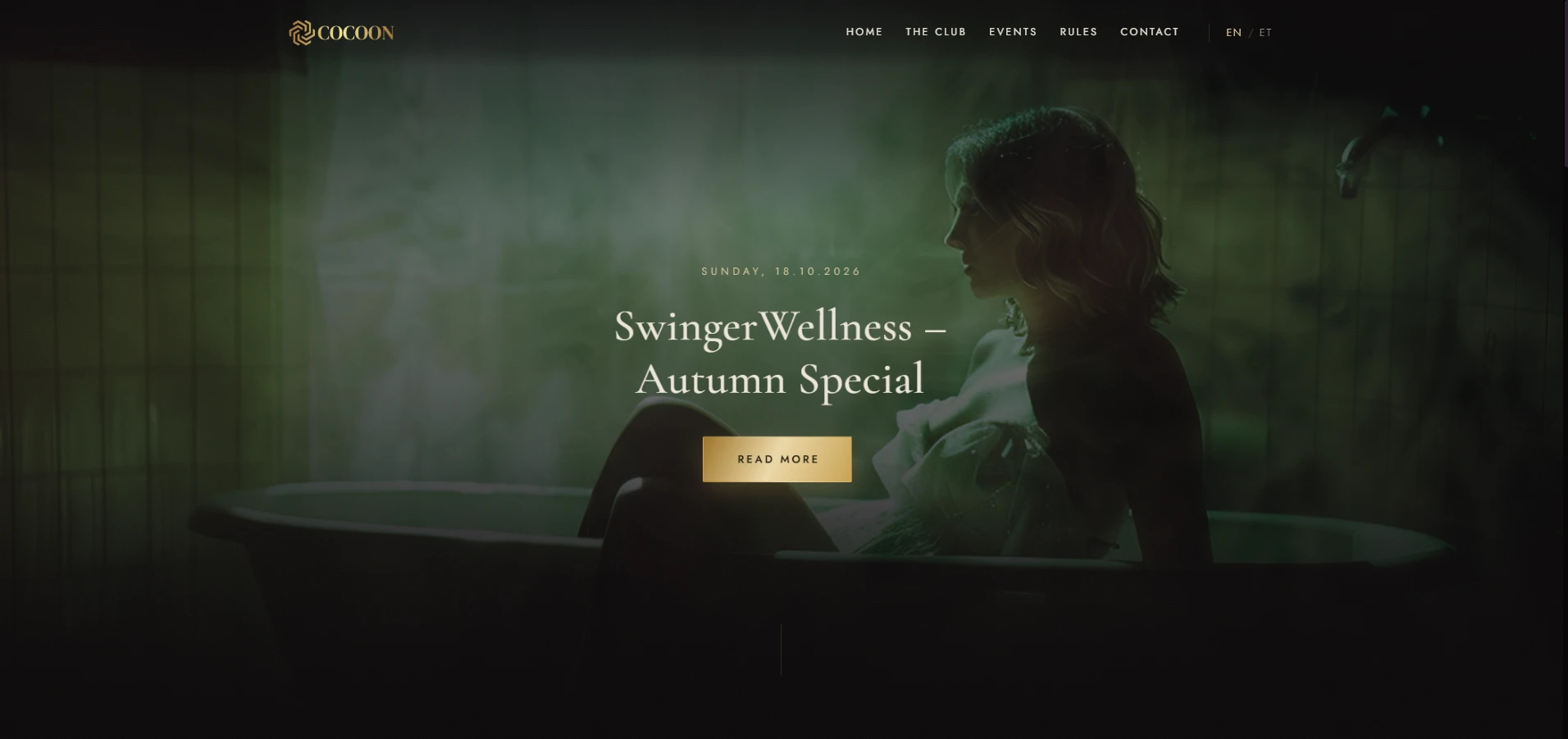
A bilingual website for a private nightclub. A custom WordPress theme and a plugin the club uses to manage its own events.
Open cocoontallinn.ee ↗Most projects start with a website. Often it turns out the server, an integration or some tedious manual task needs fixing too. All of that can be done in one go.

01
WordPress sites and WooCommerce stores you can manage yourself. Fast, properly structured and easy for search engines to understand.

02
For when an off-the-shelf platform is no longer enough: client portals, booking systems and internal tools built on Next.js and React.

03
Linux server setup and maintenance. I also set up automatic deployments so updates go live without manual steps.

04
I find the work that gets done by hand every day and turn it into an automatic process that saves time and money.
These numbers come straight from the server that is showing you this page. The chart measures how quickly it answers your browser.
Latest measurements
VPS · Docker · Node.js · HTTPS
Uljas
These numbers are real. If the site ever slows down, this is where I see it first.
Answers come from Claude (Anthropic), based on this page.
The assistant knows what's on this page: services, how I work and the frequently asked questions.
Answers are automated. For an exact quote, send an email.
Uljas
The customer support on arelet.ee works the same way, just on their own material.
A typical workflow: an email lands in the inbox, gets read, classified and sent to the right place, without anyone doing it by hand.
Log
Uljas
In a real workflow a simple rule sometimes replaces the AI. I pick whatever is cheaper and more reliable.
Almost every company has tasks that are done by hand the same way every week. Move the sliders to see how much time and money they take up each year.
A rough estimate. We get a clearer picture once we go through your processes together.

We talk about what you need and what the goal is. I look at your current site or system.

You get a written proposal with a timeline and a price. Anything unclear is settled before we start.

I work in short phases and show progress along the way, so you can weigh in early.

I test everything, deploy it to the server and show you how to use it.

Updates, backups and further development if you want. If not, a proper handover.

Uljas · Ravn · Tallinn
The person you discuss the project with is the same one who writes the code, sets up the server and answers your email when something needs changing later. Decisions get made faster and nothing gets lost along the way.
Click a card to see the answer.
A few sentences about what you need is plenty to start with. I usually reply by the next working day.
© 2026 Ravn · Photos: Unsplash
Uljas
All three are in real use. Click a screenshot and have a look.